
• Hype Picks
    • Go
    • Eats
    • Style
    • Streams
    • Concerts
  • Celebs
    • K-pop
  • Music
    • Reviews
    • Interviews & Features
  • Movies & TV
    • Movies
    • TV
    • Features
  • Lifestyle
    • Tech
    • Travels
    • News
No Result
View All Result
  • Hype Picks
    • Go
    • Eats
    • Style
    • Streams
    • Concerts
  • Celebs
    • K-pop
  • Music
    • Reviews
    • Interviews & Features
  • Movies & TV
    • Movies
    • TV
    • Features
  • Lifestyle
    • Tech
    • Travels
    • News
No Result
View All Result
No Result
View All Result
Home Tech

Easily Transfer WhatsApp History From iPhone To Samsung Smartphone

by Justin
September 9, 2021
WhatsApp
Share on FacebookShare on Whatsapp

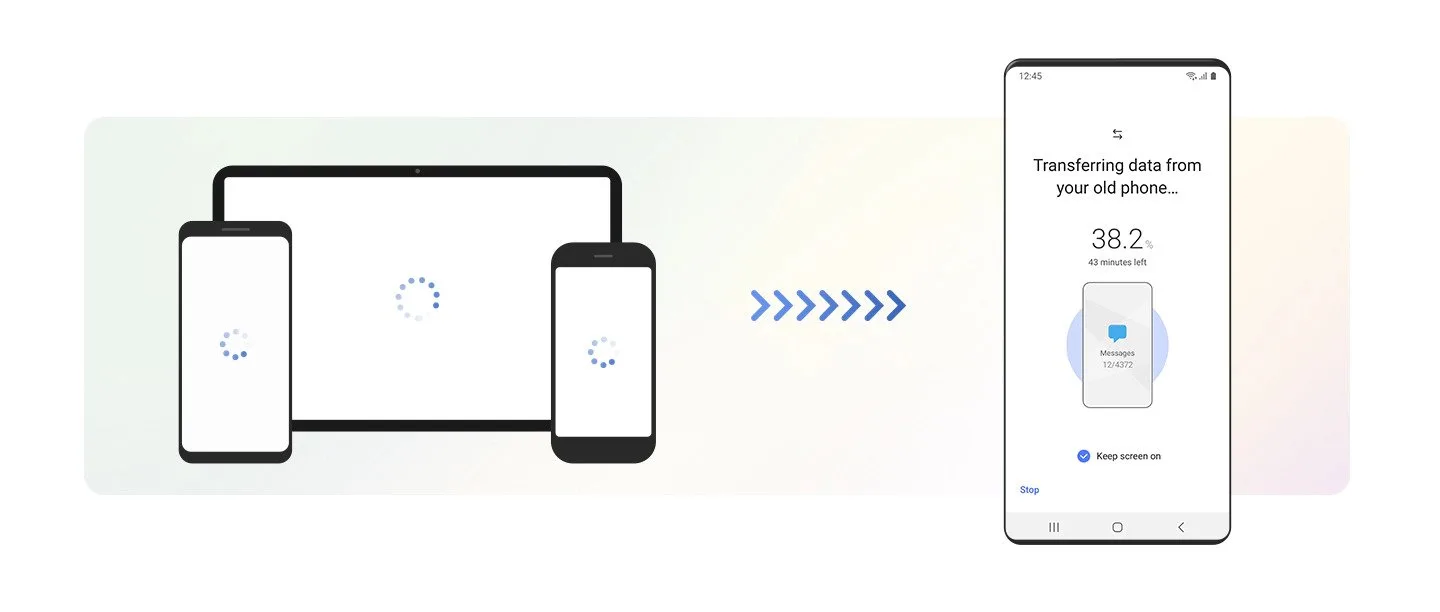
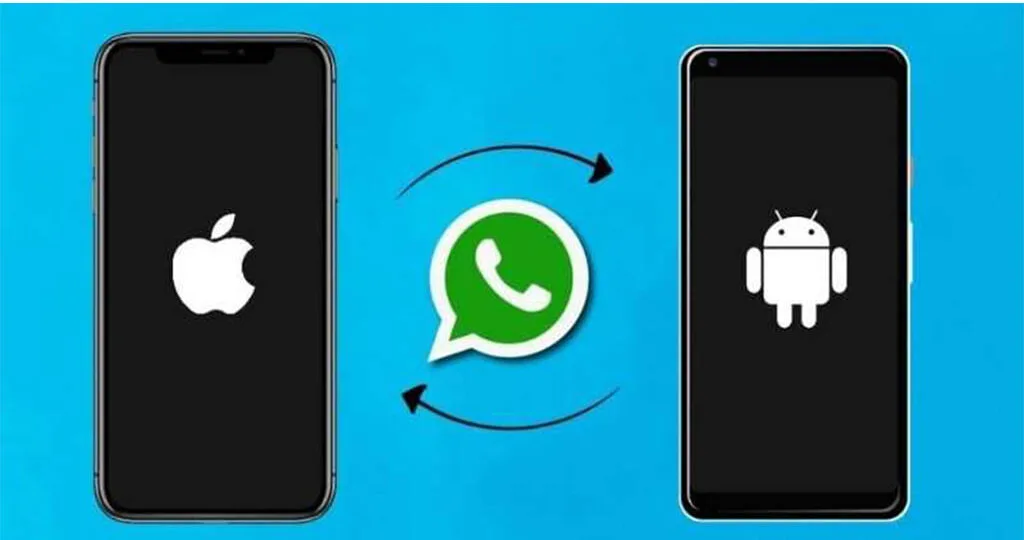
Transferring your WhatsApp content from your iPhone to your new Samsung Galaxy device has gotten easier. WhatsApp has launched a feature that preserves the end-to-end encryption when you move your entire WhatsApp chat history, account information, voice notes, media, photos, settings and even your profile photo onto your new Samsung device.

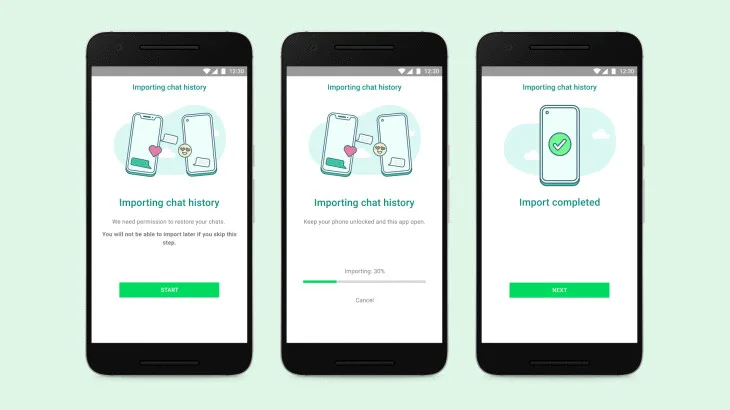
This way, your WhatsApp messages stays and belongs to you as you enjoy the advantages your Samsung smartphone brings. To migrate your WhatsApp from iPhone to Samsung, simply follow these steps:
  1. Turn on your new Samsung Galaxy smartphone and connect by cable to your iPhone when prompted.
  2. Follow the Samsung Smart Switch experience.
  3. When prompted, scan the QR code displayed on the new device using the iPhone’s camera.
  4. Tap Start on your iPhone, and wait for the process to complete.
  5. Continue setting up your new Samsung.
  6. When you reach the home screen, open WhatsApp and log in using the same phone number used on your old device.
  7. Tap Import when prompted, and allow the process to complete.
  8. Finish activating your new device and you’ll see your chats waiting for you.

Things to ensure:

  • Your new Android device must be factory new or reset to factory settings.
  • Samsung SmartSwitch app version 3.7.22.1 or greater on your new device.
  • WhatsApp Android Version 2.21.16.20 or greater on your new device.
  • WhatsApp iOS version 2.21.160.17 or greater on your old device.
  • USB-C to Lightning cable (or equivalent adapters).
  • Use the same phone number on the new device as the old device.
WhatsApp
Source: Tech Shits

To read more on WhatsApp’s new feature, you can visit here.
Transfer WhatsApp History
https://lomp.at/6tnh2
Share3SendTweet2Share

Follow us on Instagram, Facebook or Telegram for more updates and breaking news. 

FOLLOW THE HYPE

Whatsapp
Lifestyle

Starting This Week, WhatsApp Will No Longer Work On These Devices

by Justin
November 1, 2021

As WhatsApp continues to update its application, it's unfortunate that older smartphones will no longer be able to support the...

Read moreDetails
Load More


TOP STORIES TODAY

  1. 1

    Annalisa Qiqi: 5 Fun Facts About JJ Lin’s Rumoured New Girlfriend

  2. 2

    “Digimon Adventure” 25th Anniversary Exhibition Coming To KL In 2026

  3. 3

    JJ Lin Shares Photo With Family & Rumoured GF; Seemingly Confirms Relationship

  4. 4

    Sammi Cheng Returning To Malaysia After 10 Years With 2-Day Concert In April 2026

  5. 5

    Concert Review: The Script “Painted The Town Green” During KL Show

Malaysia’s live-wire for the latest news, trends, and entertainment is finally here. We are your calendar, your grapevine, your comic relief, your post-event coverage, and your celebrity stalker. Did we also mention that we are also your gateway to the world?

Contact us: newsdesk@hype.my

NETWORK

  • Lowyat.NET
  • Murai
  • Hangat
  • Lipstiq
  • Wanista
  • Varnam
  • Moviedash
  • Autofreaks
  • Fourthofficial

ABOUT

  • About
  • Advertise
  • Jobs
  • Terms
  • Privacy Policy

©2025 VIJANDREN RAMADASS. ALL RIGHTS RESERVED.

No Result
View All Result
  • Hype Picks
    • Go
    • Eats
    • Style
    • Streams
    • Concerts
  • Celebs
    • K-pop
  • Music
    • Reviews
    • Interviews & Features
  • Movies & TV
    • Movies
    • TV
    • Features
  • Lifestyle
    • Tech
    • Travels
    • News

©2025 Vijandren Ramadass. All Rights Reserved.

No Result
View All Result
  • Hype Picks
    • Go
    • Eats
    • Style
    • Streams
    • Concerts
  • Celebs
    • K-pop
  • Music
    • Reviews
    • Interviews & Features
  • Movies & TV
    • Movies
    • TV
    • Features
  • Lifestyle
    • Tech
    • Travels
    • News

©2025 Vijandren Ramadass. All Rights Reserved.