

Let’s face it! It’s been over a year since the pandemic turned our lives upside down, and with the rising number of Covid-19 cases, we’re facing a tumultuous episode in our lives where everything seems to be out of our control. With working adults finding means to adapt to the new normal, it’s only fair that children and teenagers do the same too. After all, what’s difficult about online classes while all you do is sit and stare at the computer screen? It shouldn’t be that difficult, right? Well, that’s the misconception there!
Undoubtedly, online learning has impacted the cognitive development of children and teenagers, severely. Among some of the notable effects of online learning would be increased stress and anxiety, social isolation and virtual learning fatigue. These might not be observed within a short span of time, however, in the long run, issues as such would be prevalent in the education sector. The lack of interaction with their peers and the mundane routine of staring at their devices while attempting to retain information would be extremely tiring for children and teenagers alike.
Children, just like any other human being need intellectual stimulation and an avenue to explore their creative side. This is where the Apple iPad for Learning comes in! We’ve compiled a list of applications that would help your kid or teen make online learning more accessible and fun. Worried about the safety aspects? Well, that would not be a problem as we’ve also compiled the parental support features that every parent should know to ensure the safety of their children.
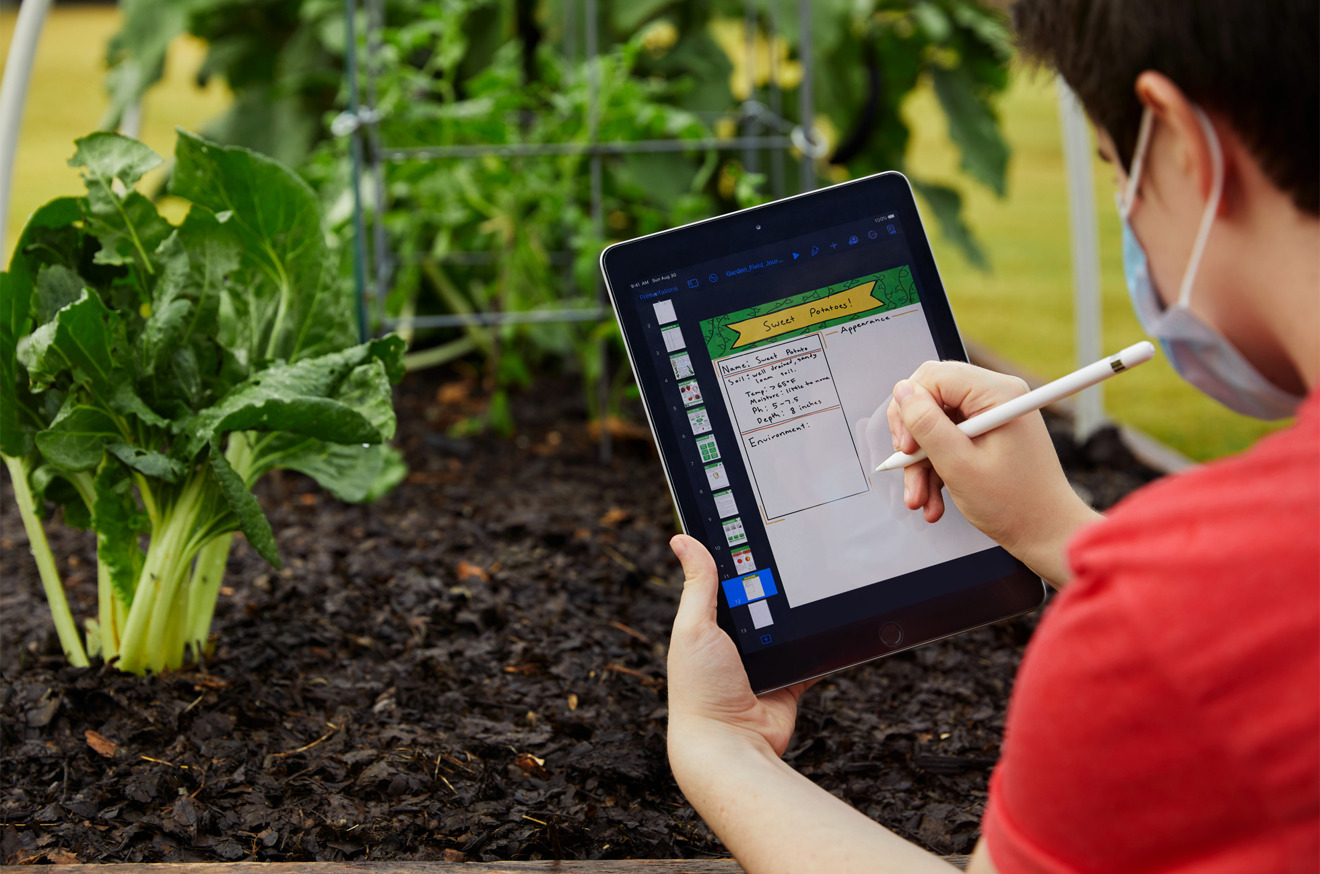
The Applications
Albeit the plethora of applications to choose from in the Apple App Store, these applications would be a great start for your children to feed their curious brains. Both age-appropriate and engaging, these applications would definitely be enjoyable for the entire family! Their easy-to-understand features make the teaching process easier for parents who’d want to explain the applications’ benefits to their children. For sure, with some help, your child could start working on them independently. They are also compatible with almost all iPads including iPad Pro, iPad 8th Gen and iPad Air 4th Gen.
Keynote
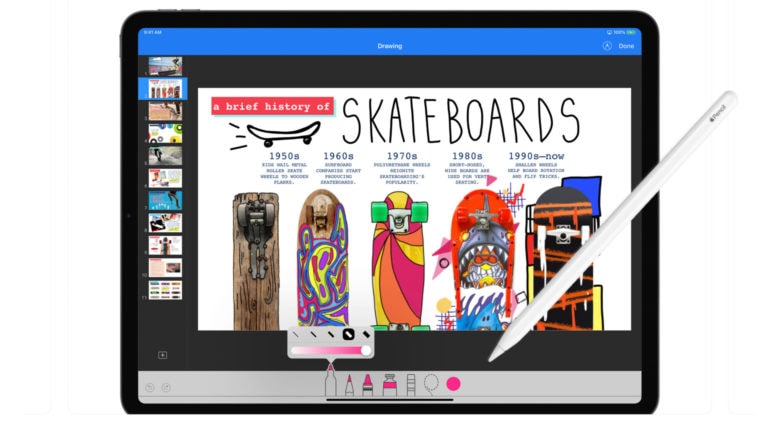

This presentation-making application would indeed make your child’s class presentation a huge hit! This is the most powerful presentation app ever designed for a mobile device. Armed with animated charts and cinematic transitions, it’s actually an easy-to-use application. All your child needs to do is touch and tap the elements according to his or her preference using either an Apple Pencil or their fingers. Your child could easily collaborate with classmates regarding a particular project without having to spend hours talking on the phone or via video calls. Unleash your child’s creative side by allowing your child to create presentation slides for an upcoming family game night!
AR Makr
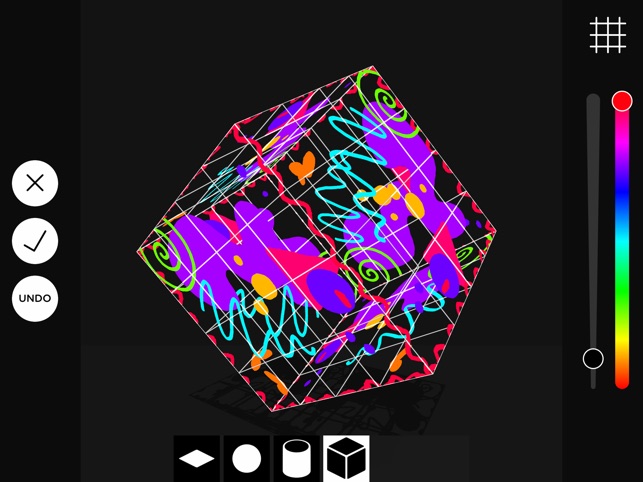
Parents with kids who seem to have a deep interest in designing and invention could consider installing this application for their kids’ perusal. This is a cool application that serves as a creative toolbox for augmented reality. Simply, sketch, scan and snap the world around you to transform your creations from 2D to 3D virtual objects. This would improve the child’s cognitive function and allow him or her to think out of the box.
Clips
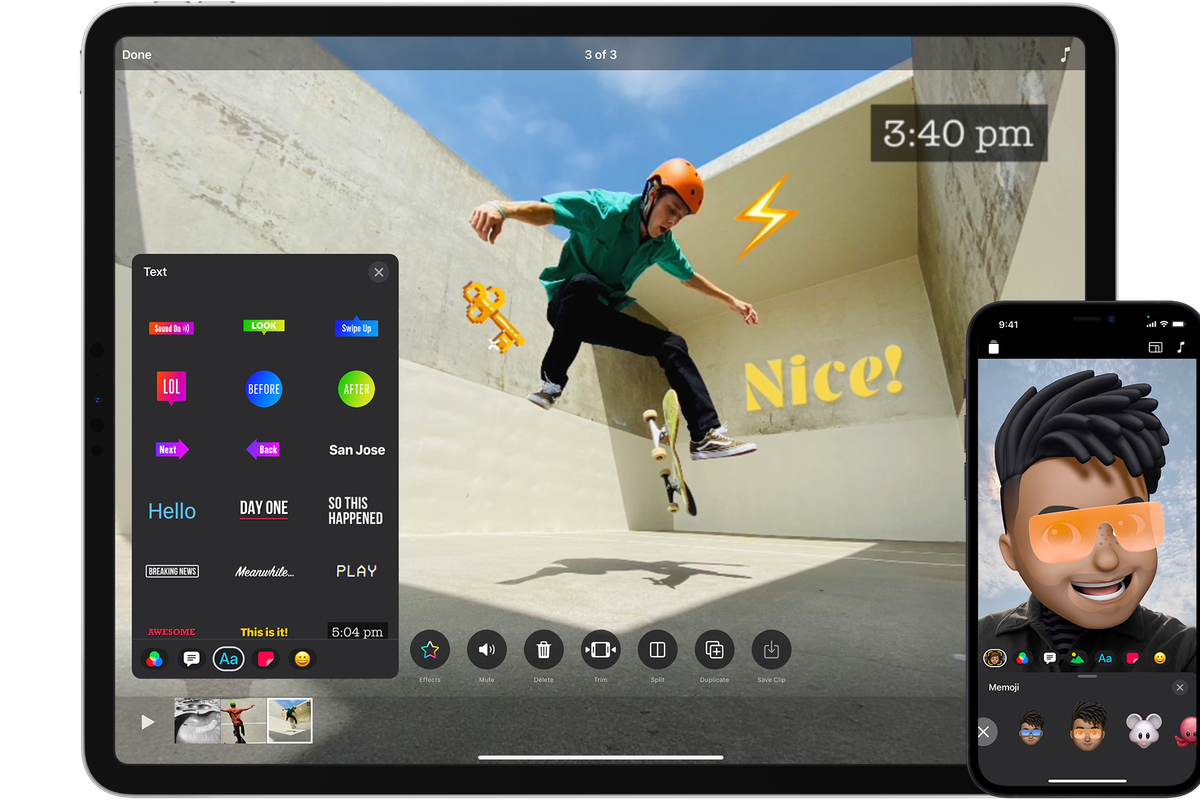
Is your child an aspiring videographer or have a keenness towards creating things? Then, this is a perfect application! Clips is a free app for making fun videos to share with friends and family members. Similar to Tik Tok sans the sharing to the public feature, your child could create vertical and horizontal videos now, with camera effects, artistic filters, dynamic music, animated text, emojis, stickers and more. Again, these could be done in a few taps. With an easy to use, feature, this would be a good application to monitor your child’s creations before considering uploading them to social media platforms, if they desire to do so.
Swift Playgrounds
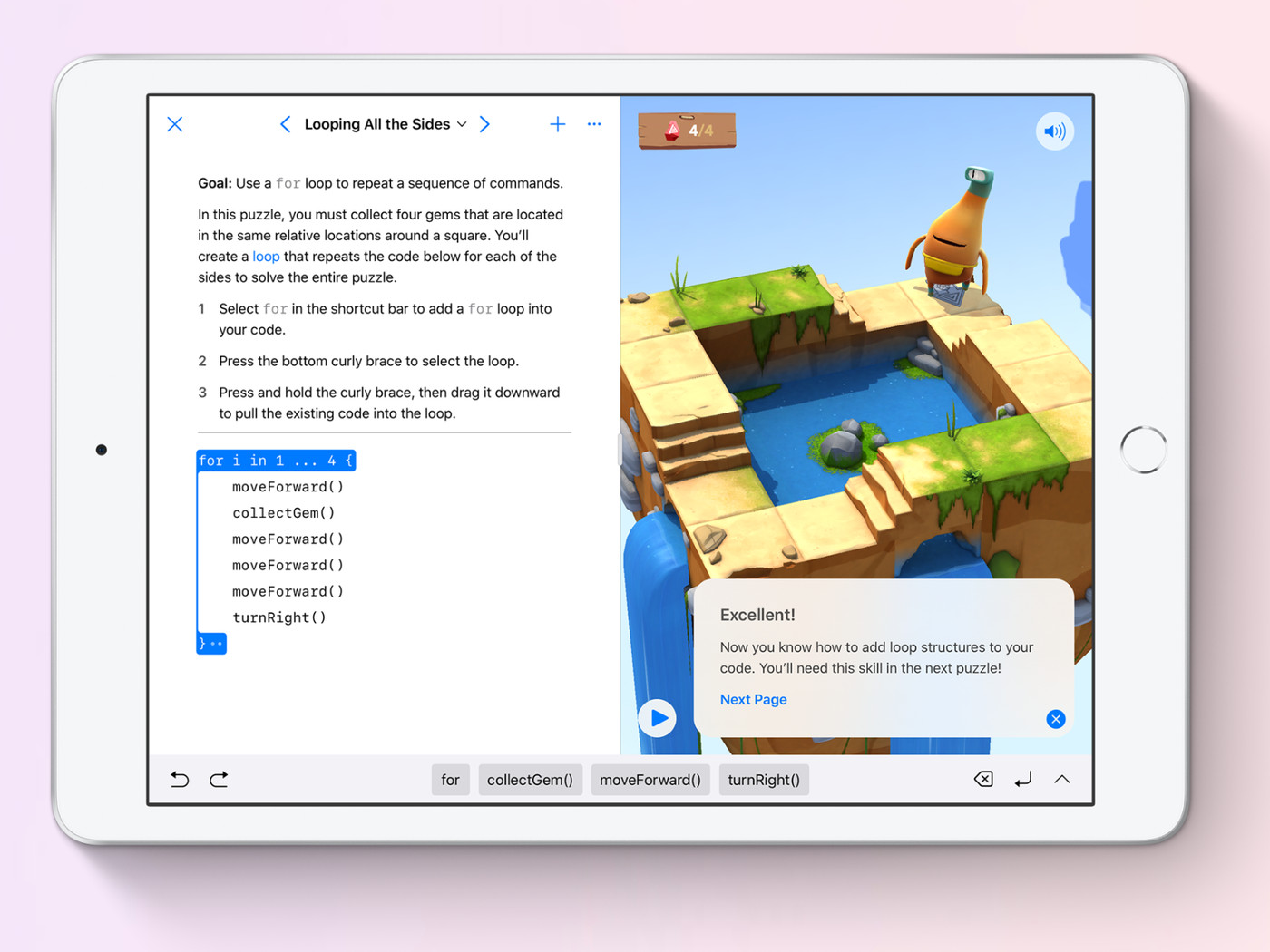
It’s a known fact that coding is an essential tool for children. Some schools have started organising coding programs to cultivate coding knowledge within students. However, if your child’s school has not taken any initiatives of the sort, it’s finally time to introduce it to your child! Introducing, Swift Playgrounds, an application designed to make it fun to learn and experiment with codes. Via solving interactive puzzles, your child would definitely master the basics of coding, or experiment with a wide range of challenges. No prior coding knowledge is needed. So, dear parents, if you’d like to learn to code sometime, this would be a great place to start out alongside your kids.

The Safety Features
Being a parent is a tough job and allowing a child to handle a technological device single-handedly is every parents’ nightmare. Fret not! Apple has key safety features to prevent technology from jeopardising your kid’s safety.
Content and Privacy Restrictions
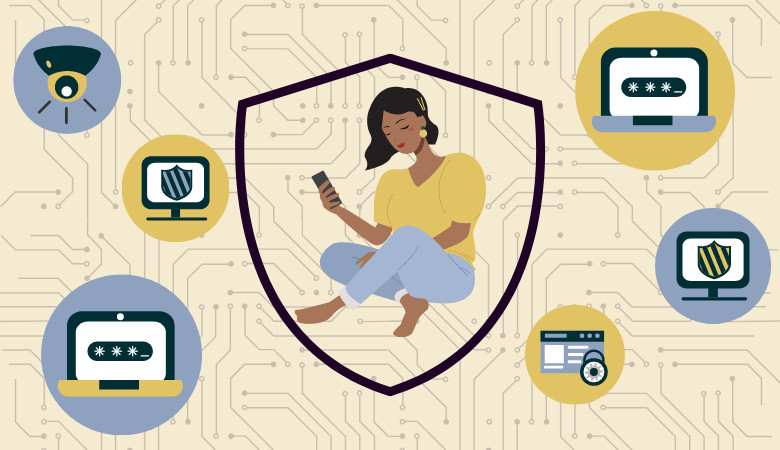
You could set up privacy restrictions on your child’s device to prevent them from logging into any potentially harmful websites or installing any non-education related applications. You could also control your child’s screen time! By tapping on Screen Time in Settings, you could set up a screen time passcode. The details of your Apple ID would be asked beforehand, so, keep that in check. It’s essential to ensure that the password used is different from the one required to unlock the device.
Prevent iTunes & App Store Purchases
Now, this is a crucial feature for parents as kids these days might just purchase applications from the App Store without parental permission. This might happen unintentionally too because the child might not be aware of the price of the applications. Again, by tapping on Screen Time, you could set “Don’t Allow” for the iTunes & App Store Purchases.
Prevent Explicit Content and Content Ratings
Using the same method aforementioned, by tapping into Screen Time, you could restrict applications and features with selected ratings. Here’s a guide on the applications that you could restrict and their exact functions:
- Ratings For: Select the country or region in the rating section to automatically apply the appropriate content ratings for that region
- Music, Podcasts & News: Prevent the playback of music, music videos, podcasts, and news containing explicit content
- Music Videos: Prevent finding and viewing music videos
- Music Profiles: Prevent sharing what you’re listening to with friends and seeing what they’re listening to
- Movies: Prevent movies with specific ratings
- TV shows: Prevent TV shows with specific ratings
- Books: Prevent content with specific ratings
- Apps: Prevent apps with specific ratings
To read more about parental control, you could have a look at the extensive guide, here.
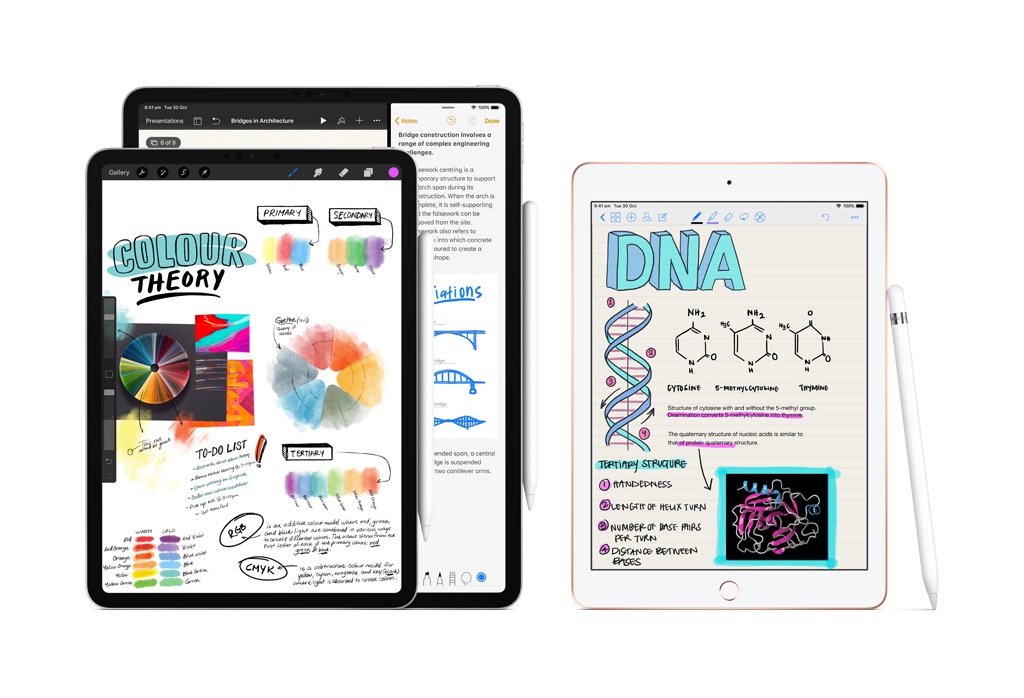
Nevertheless, investing in an iPad for your kid’s educational journey is indeed a game-changer. This would prevent them from being constantly tired over repetitive class lessons. However, it should be important to ensure that your child receives enough sleep, off-screen time and probably if the situation permits, some good fresh air!